Email reminders
PetHealth can email each user a short digest of what’s coming up. It works with any SMTP server: Gmail, Fastmail, your provider’s SMTP, or a relay such as Mailgun, Brevo or Amazon SES.
1. Configure SMTP on the server
Section titled “1. Configure SMTP on the server”Add these to your .env and restart the container:
SMTP_HOST=smtp.example.comSMTP_PORT=587SMTP_SECURE=falseSMTP_PASS=********APP_URL=http://192.168.1.50:3000 # optional, adds an "Open PetHealth" buttonNOTIFY_HOUR=8 # optionalTZ=America/New_York # the hour above is in this time zoneOn startup the log says either Recordatorios por correo: cada día desde las 8:00 (email on) or Recordatorios por correo: desactivados (sin SMTP_HOST) (email off).
- Turn on 2-Step Verification on the Google account.
- Create an app password.
- Use:
SMTP_HOST=smtp.gmail.comSMTP_PORT=465SMTP_SECURE=trueSMTP_PASS=the-16-character-app-password2. Turn it on for your user
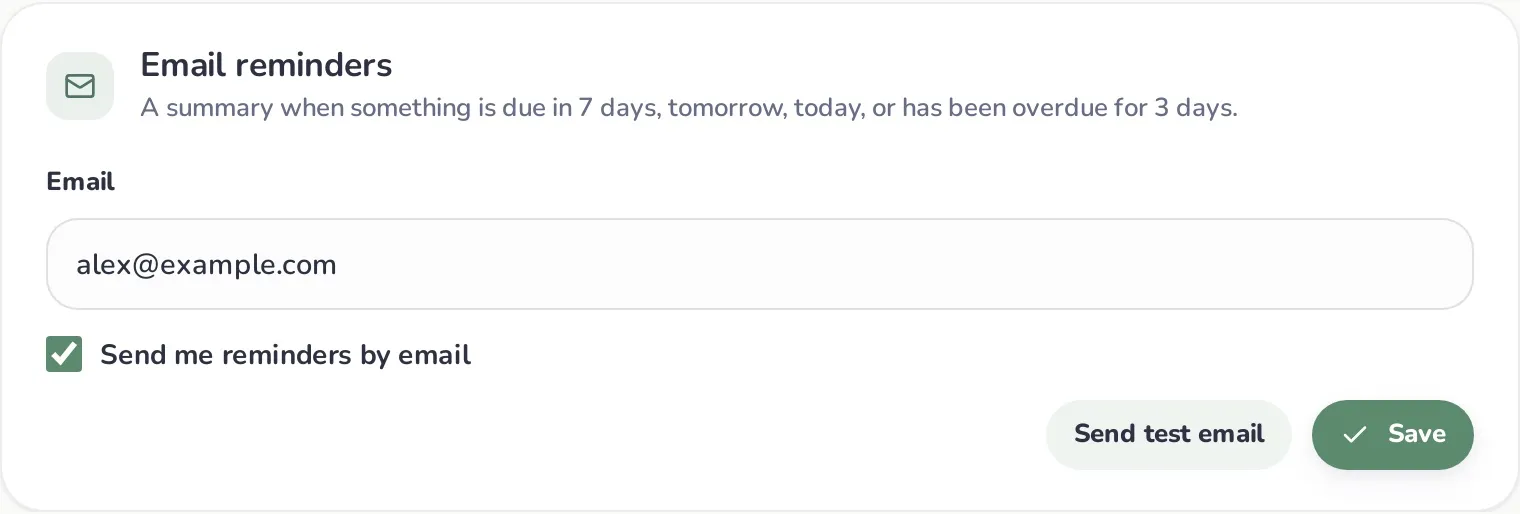
Section titled “2. Turn it on for your user”In My account → Email reminders:
- Enter your email address.
- Tick Send me reminders by email.
- Click Save, then Send test email to check that it arrives.
Each user chooses their own address. The email is written in the user’s language (English or Spanish), and it includes reminders for the pets shared with them as well as their own.
When emails are sent
Section titled “When emails are sent”- The server checks every hour. From
NOTIFY_HOURonwards, each user is processed once per day. - An email goes out only on days when at least one item hits a trigger:
- due in 7 days,
- due tomorrow,
- due today, or
- overdue by 3 days.
- On other days nothing is sent, so an overdue item doesn’t trigger an email every single day.
Items that count: the next vet visit (from the most recent checkup of each pet), vaccine boosters (latest dose of each vaccine) and parasite treatments (latest of each type).
What the email contains
Section titled “What the email contains”- Overdue: everything that’s past due.
- Next 7 days: everything coming up in the next week.
- Ongoing treatments: active medications with their frequency and end date.
- An Open PetHealth button if
APP_URLis set.
The subject reads like “PetHealth: 3 care items due”.
Troubleshooting
Section titled “Troubleshooting”- “Send test email” says email isn’t configured:
SMTP_HOSTis empty or the container wasn’t restarted. - “Could not send the email”: check the container logs (
docker logs pethealth) for the SMTP error, usually wrong credentials, wrong port/SMTP_SECUREcombination, or the provider blocking the sender address. - Emails arrive at the wrong hour: set
TZon the container;NOTIFY_HOURuses it. - Nothing arrives on a normal day: that’s expected. Emails are only sent on trigger days (see above). Use Send test email to see today’s digest anyway.