Vet directory
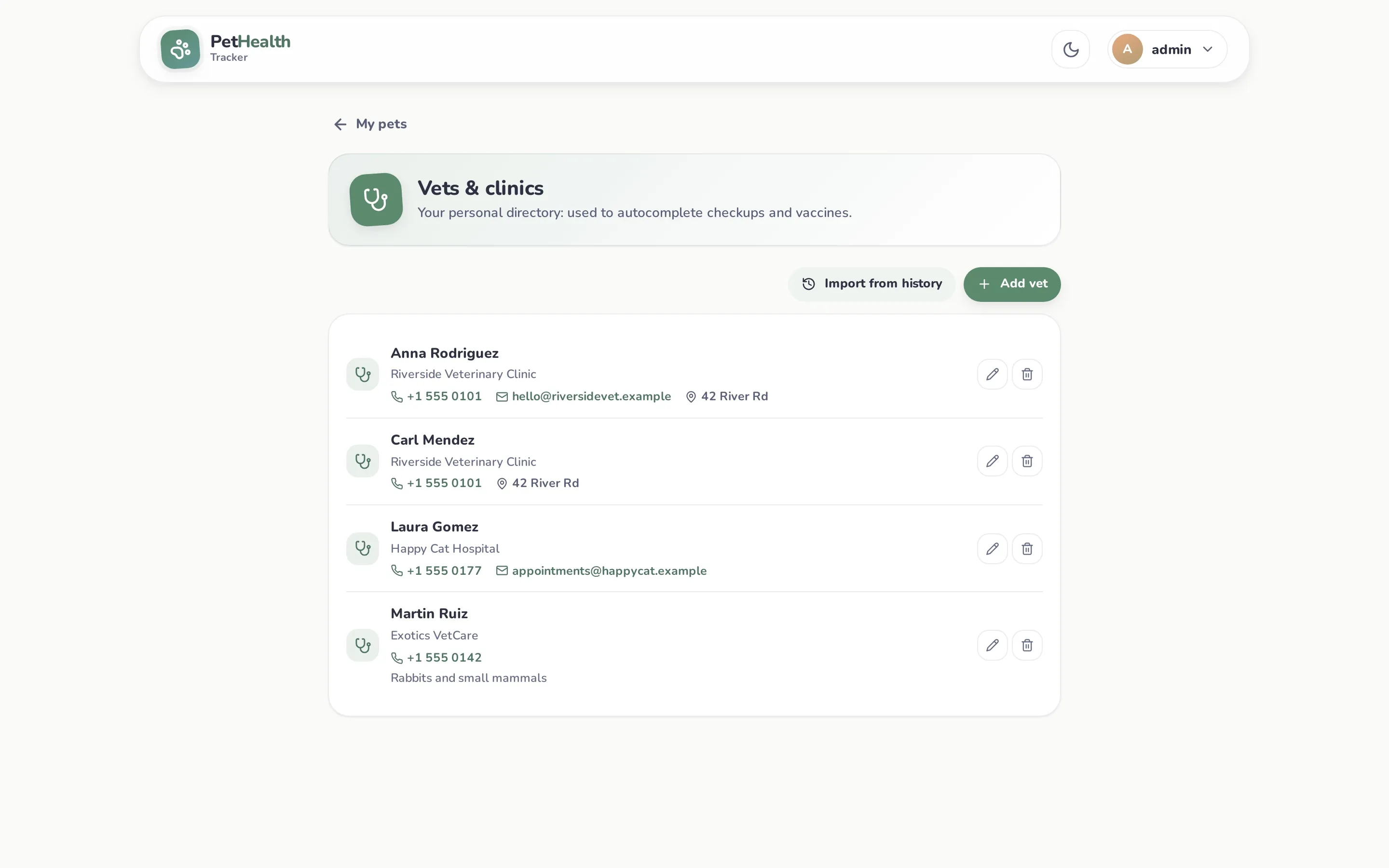
Open Vets from the account menu (top right).
Add vets
Section titled “Add vets”Click Add vet and fill in name (required), clinic, phone, email, address and notes. Each user has their own directory; it isn’t shared with other users.
Already have checkups? Click Import from history. PetHealth adds every vet that appears in your pets’ checkups and vaccines (ignoring case and duplicates), with the clinic from the most recent visit. Running it again only adds new names.
Where it’s used
Section titled “Where it’s used”- Autocomplete: the veterinarian field in New checkup, when editing a checkup, and in the vaccine form suggests names from your directory. Choosing one fills in the clinic if it’s empty.
- Tap to call: an expanded checkup shows the vet’s phone as a link when the name matches someone in your directory.
Records store the vet’s name as text, so editing or deleting a directory entry never changes past checkups. Type names without “Dr.”, since the app adds it when displaying checkups.